30-second single takes
One generation runs 3 to 30 seconds — twice Kling 3.0's ceiling. A full ad beat or a continuous character scene fits in a single render instead of being stitched from fragments.
 Kling AI Video
Kling 4.0 renders 3 to 30 seconds at up to 4K with 10-bit HDR, two-channel stereo audio, and up to 10 keyframes per generation.

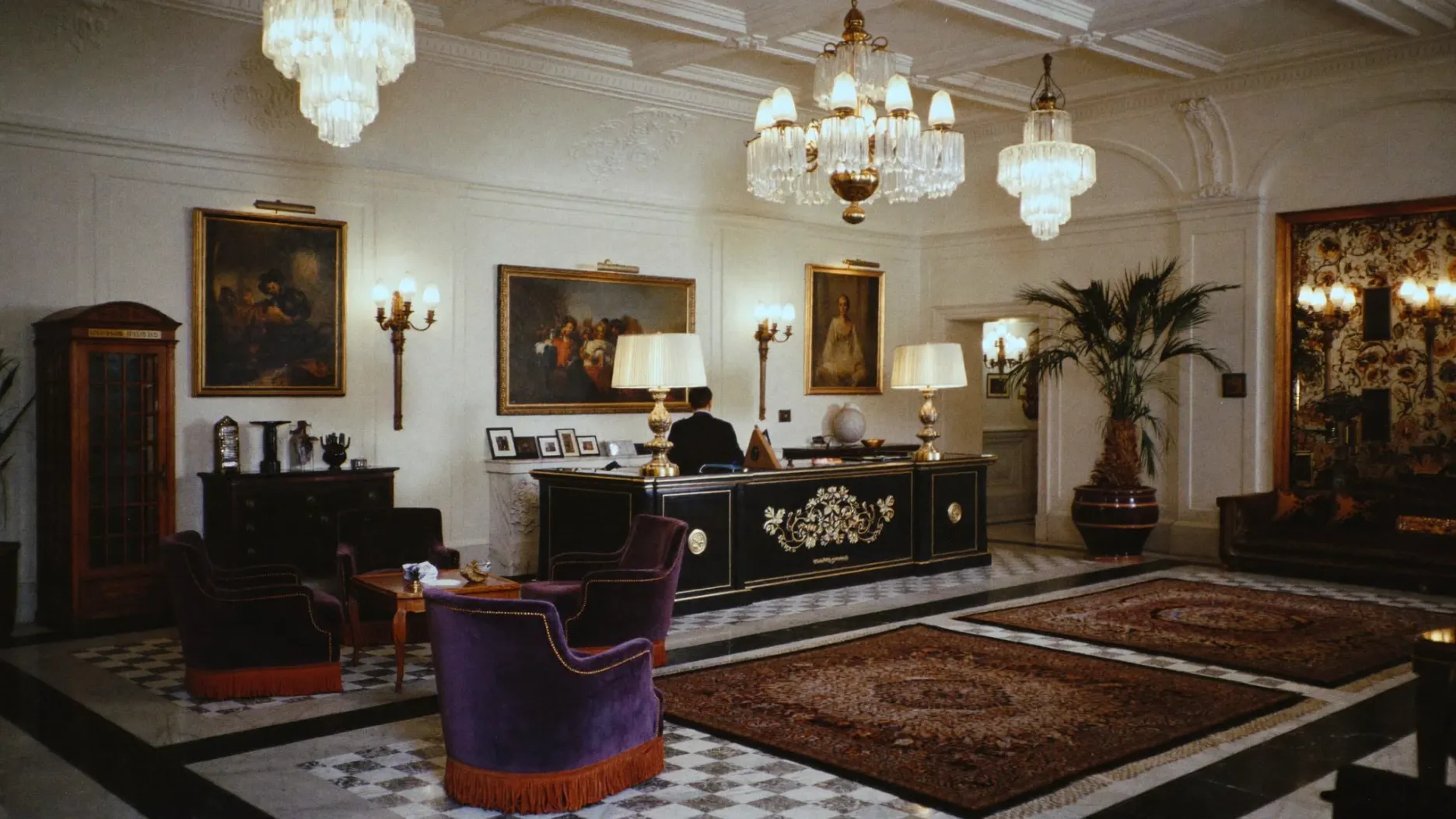
Kuaishou's flagship video model — what it is, and what it changes.
Kling 4.0 is Kuaishou's flagship video model, announced in the official release note on September 27, 2026 with the full launch in October. It makes 3 to 30 second clips at up to 4K with 10-bit HDR, follows up to 10 keyframes, and takes up to 15 references across images, video clips, saved subjects and voice samples.
What Kling 4.0 does differently
Kling 4.0 gives one generation more time and more control:
Output runs in 16:9, 1:1, 9:16 or 21:9 ultrawide, with two-channel stereo audio and lip sync across nine languages plus regional accents. On-screen text generates legibly and holds as the shot moves.
Two tiers. Full Kling 4.0 launches in October at up to 4K. Kling 4.0 Flash, the fast 720p tier capped at 20 seconds, is available now in a limited rollout and covers drafts and high-volume clips.
Sourcing. Every Kling 4.0 figure on this page comes from Kuaishou's own model release note and feature page.
Six things that changed, and the numbers behind each one.
One generation runs 3 to 30 seconds — twice Kling 3.0's ceiling. A full ad beat or a continuous character scene fits in a single render instead of being stitched from fragments.
Place up to 10 frames anywhere on the timeline and the motion fills in between. Camera moves, shot changes, character entrances and product reveals land where you put them rather than where the model guesses.
Combine up to 10 images, 5 video clips and 7 saved subjects, plus voice samples, in one generation. References control who appears, how they move, what the camera does, where things sit in frame and how it sounds.
Fight scenes, sports, dance and large-scale action hold together where earlier versions tore. Body mechanics and spatial relationships stay coherent, and running, collisions and impact carry real weight.
Output at 720p, 1080p or 4K, with 10-bit HDR at the top two resolutions and 21:9 ultrawide supported natively. Richer colour, more detail held in highlights and shadows, smoother tonal transitions for grading.
The fast, lower-cost tier of the same family: 3 to 20 second clips at 720p. Built for drafts, hook testing and weekly social batches — available now in limited rollout while full Kling 4.0 lands in October.
Kling 4.0 technical specifications. HDR and extended video generation are listed as coming soon.
Kling 4.0
The Kling video model developed by Kuaishou, with text, image and multimodal reference inputs.
Kling 4.0 & Kling 4.0 Flash
Full Kling 4.0 supports up to 30 seconds and 4K output. Flash runs 3–20 seconds at 720p for faster drafts.
3–30s
Generate a clip in a single pass. Kling 4.0 Flash supports 3–20 seconds per generation.
720p · 1080p · 4K
10-bit HDR at 1080p and 4K is coming soon. Aspect ratios: 21:9, 16:9, 1:1, 9:16 and Auto. Flash outputs at 720p.
Up to 15 multimodal
Combine images, video clips, subjects and voice samples. Up to 10 images, 5 videos and 7 saved subjects within the reference limit.
Up to 10
Control the timing of key moments, with first and last frame control alongside text-to-video and image-to-video.
Dual-channel stereo
Generate speech and scene audio with regional accents and dialects.
9 languages
Multilingual speech with regional accents and dialects, alongside dual-channel stereo audio.
8,000 tokens
Describe the scene, camera movement and a complete shot list in one instruction.
Up to 2 minutes
Extend a video across multiple passes. This feature is listed as coming soon.
Text that stays legible
Renders in 9 languages plus emoji, and stays legible as the shot moves.
Edit a specific moment
Change an expression, camera angle, background or line of dialogue while keeping the rest of the frame intact.
Reuse pacing and camera moves
Upload a clip that already performs, add your assets, and Kling 4.0 picks up its pacing and camera moves.
Six output types people build with Kling 4.0 every day.
The same prompt box handles all of these. What changes is what you feed it and how you phrase the shot.
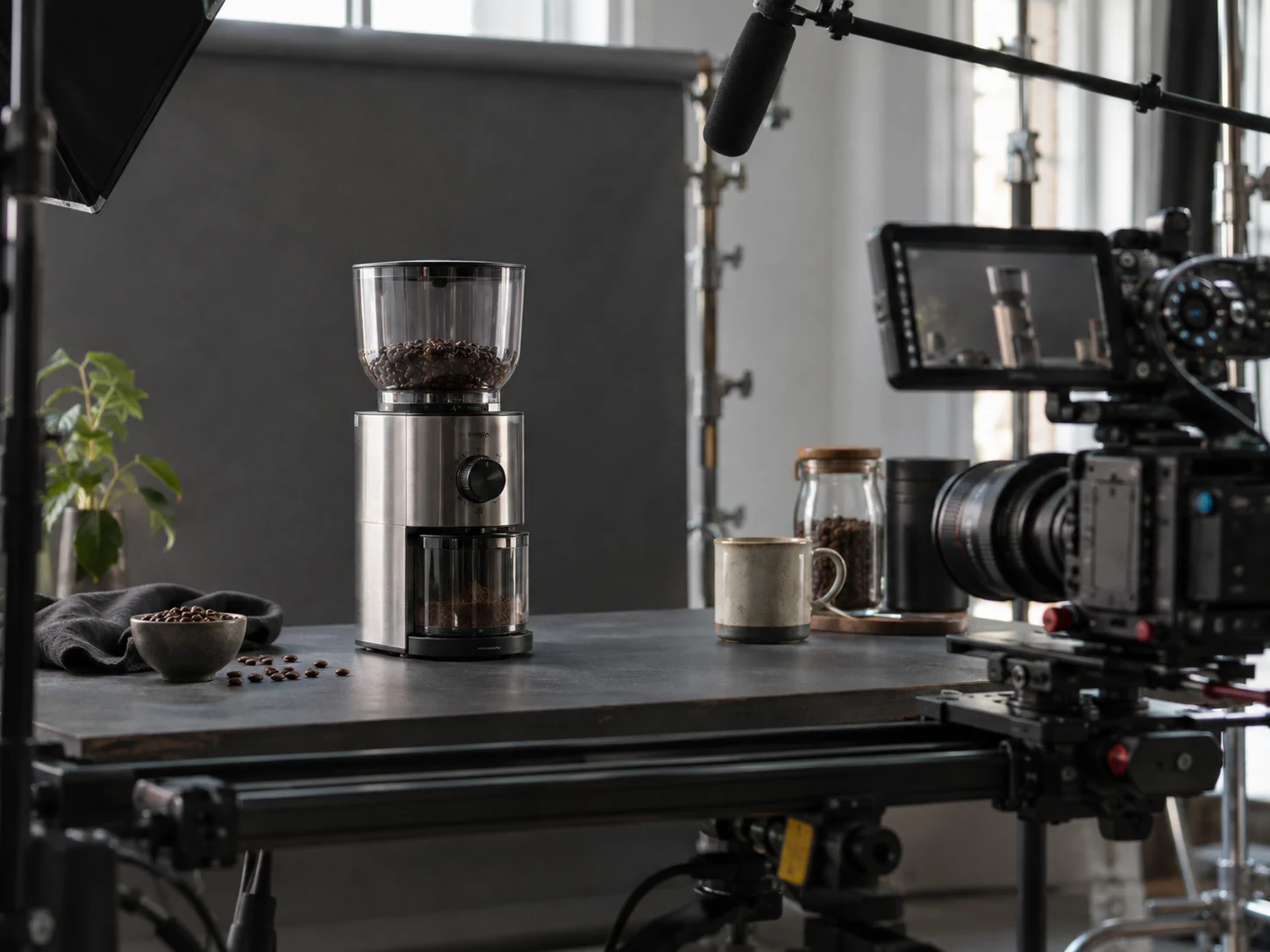
upload one product still, get a 30-second spot with camera movement and a voiceover

a character delivering a script with matched lip-sync, in the language you wrote it in
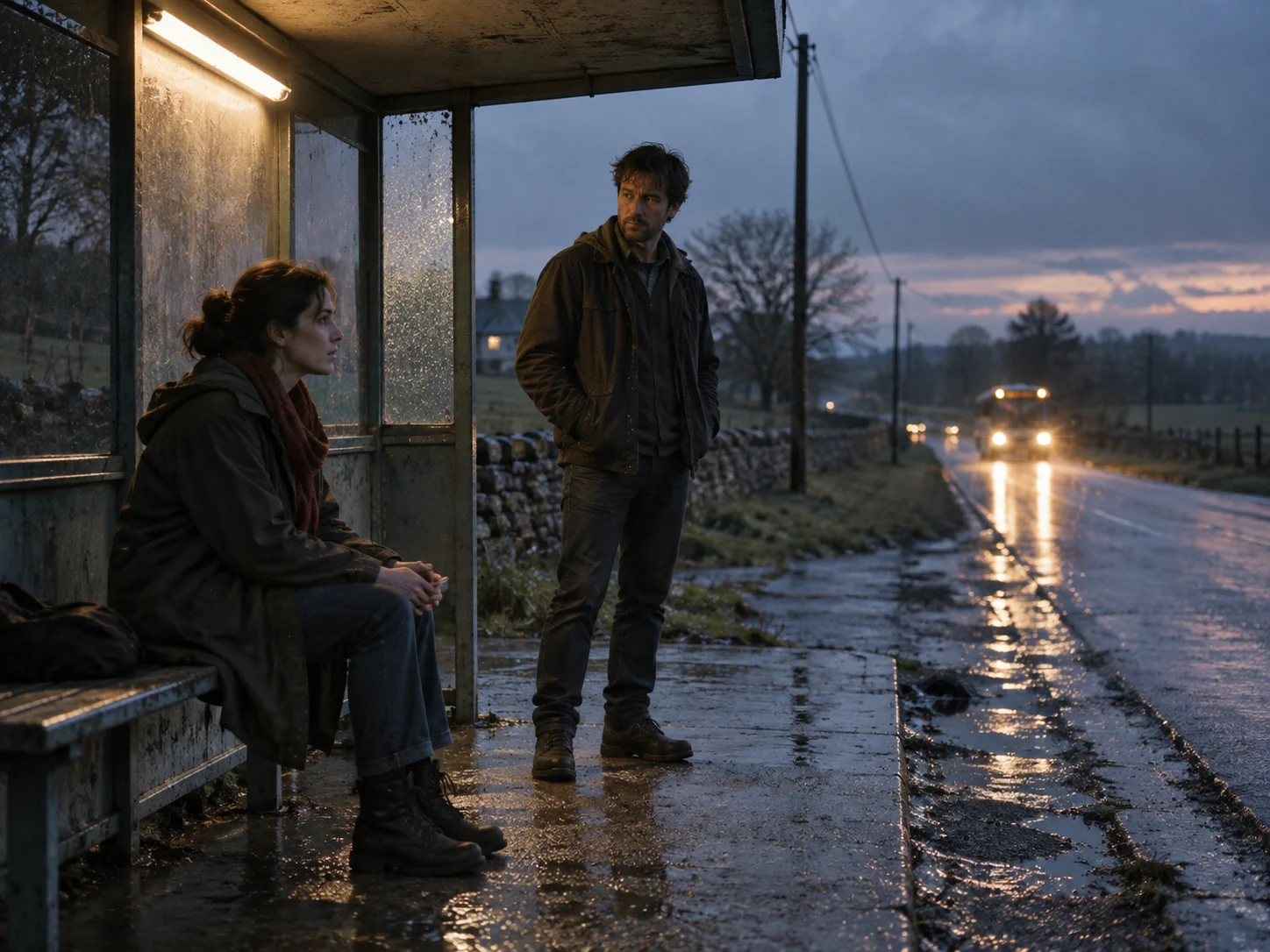
multi-shot sequences with continuity, cut inside a single generation

vertical 9:16 output with on-screen text rendered by the model, not added in post

a concept walked through across several shots, with narration
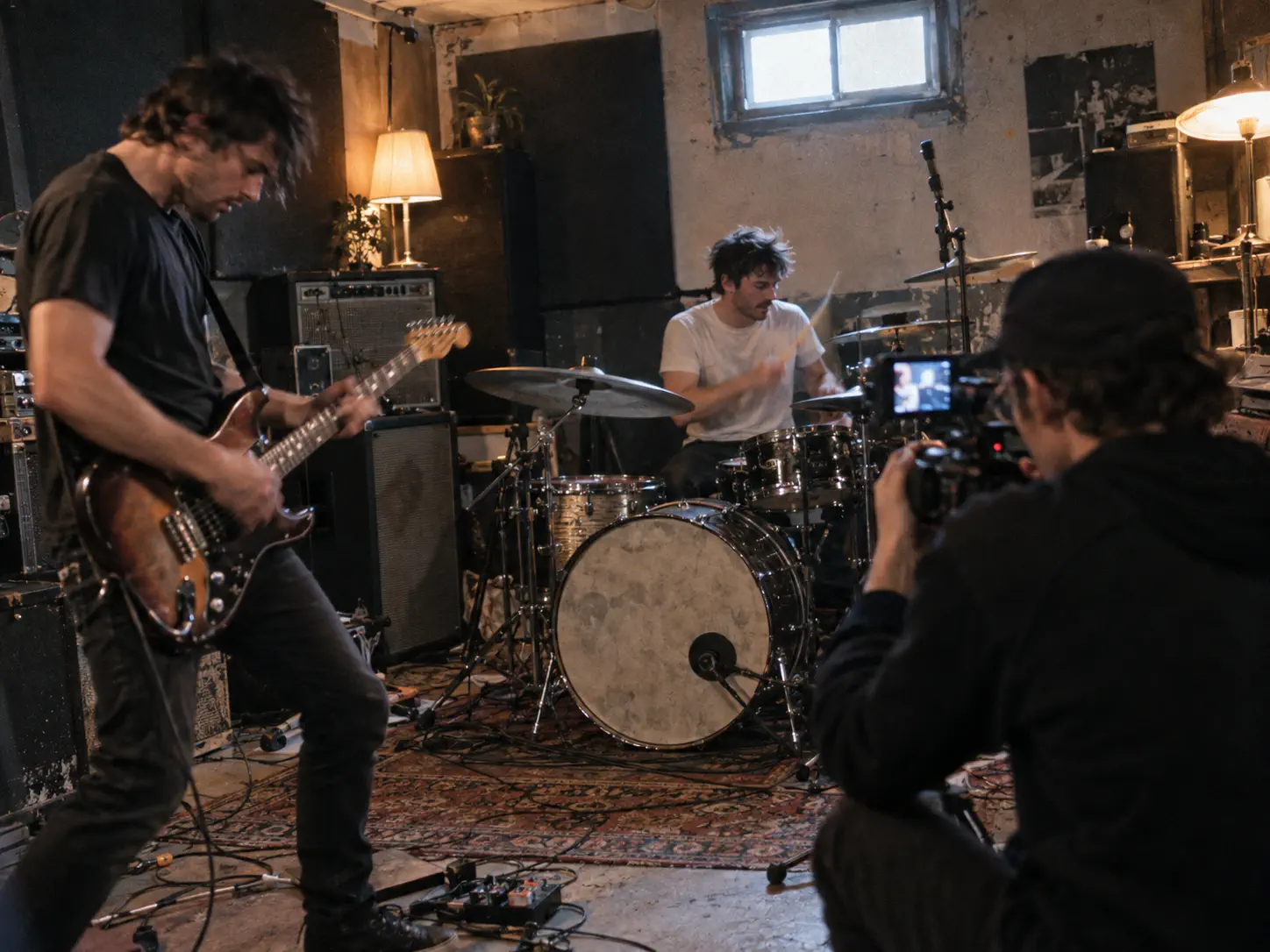
image references in, rhythm-matched cuts out
Output runs to 4K with 10-bit HDR, so Kling AI 4K delivery is handled in-model — no dropping back to Kling 3.0 and no upscaling in post.
Where the format choice matters. A 9:16 social cut and a 21:9 cinematic frame are not the same shot cropped differently — composition has to be built for the ratio from the prompt onward. Kling 4.0 supports both natively, so decide the format before you write, not after you render.
What carries between output types
Browse six examples. Hover to play, then select Recreate to bring the prompt into the video editor.
Six jobs the new capabilities actually change, and the feature that carries each.
A full scene fits in one 30-second take. Save the cast as subjects once and reuse them, and the same faces and voices hold from episode to episode instead of drifting between shoots.
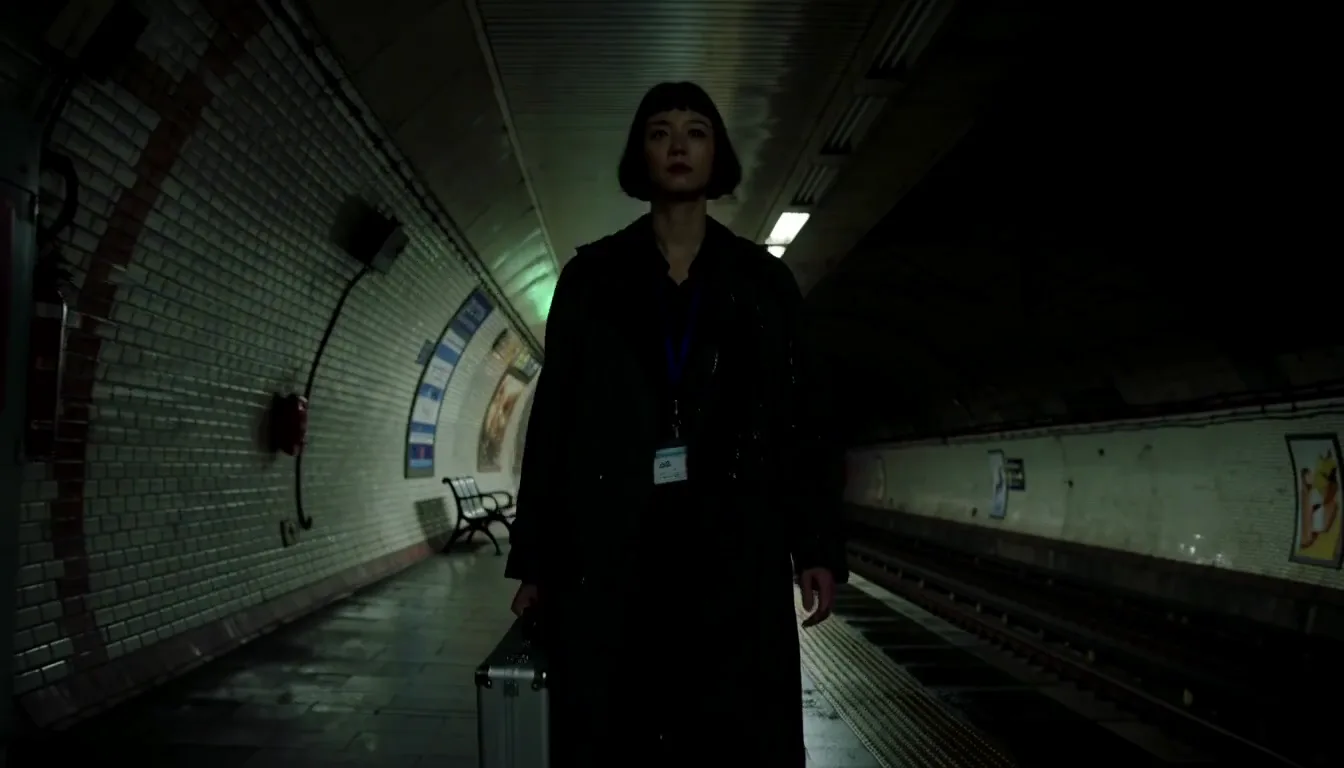
Follow a subject through one continuous move — tracking, orbit, push-in — held steady from the first second to the last. Stable motion is what makes 30 seconds usable rather than just long.

Reference the pacing and camera moves of an ad that already performs, then swap in your product. The reference video supplies the structure; your assets supply the content.
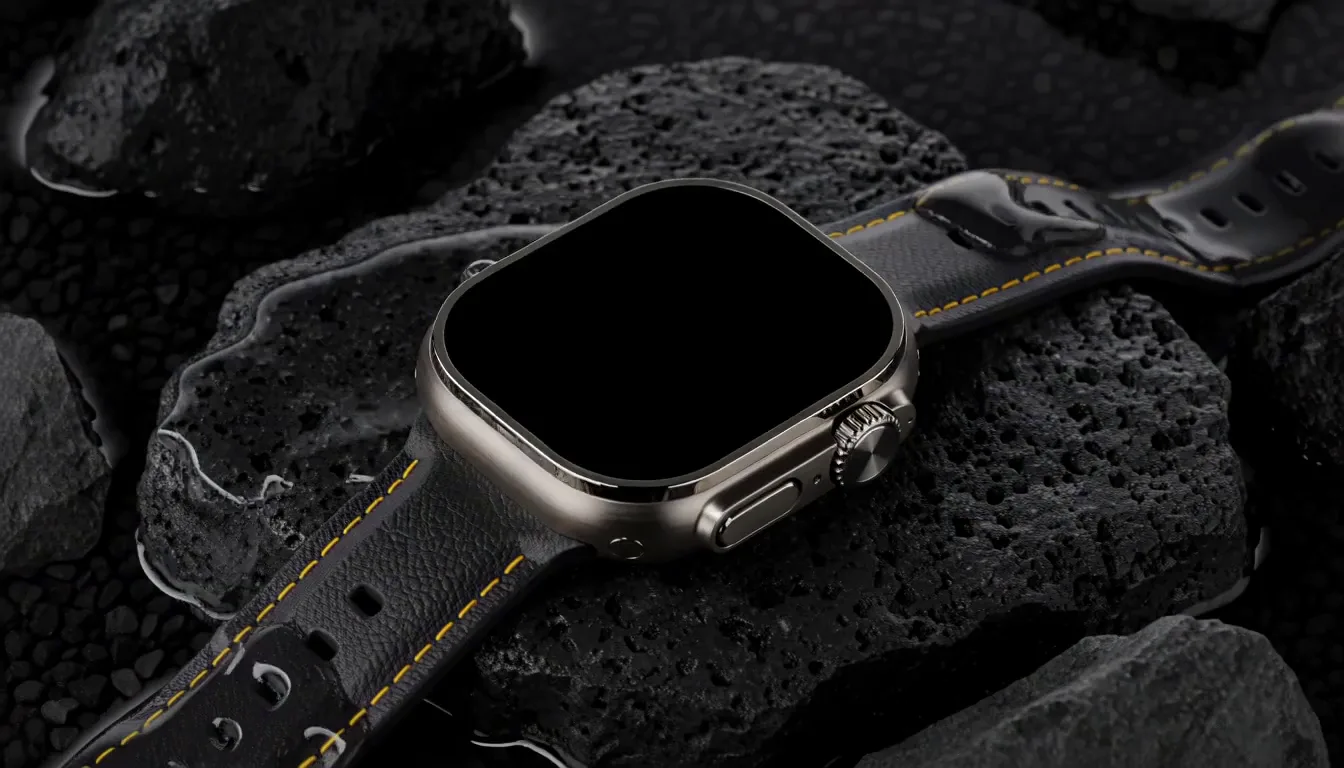
Quote the words in the prompt and they render legibly on signs, packaging and title cards, holding steady as the camera moves. This is the failure that usually makes a generated clip unusable for brand work.
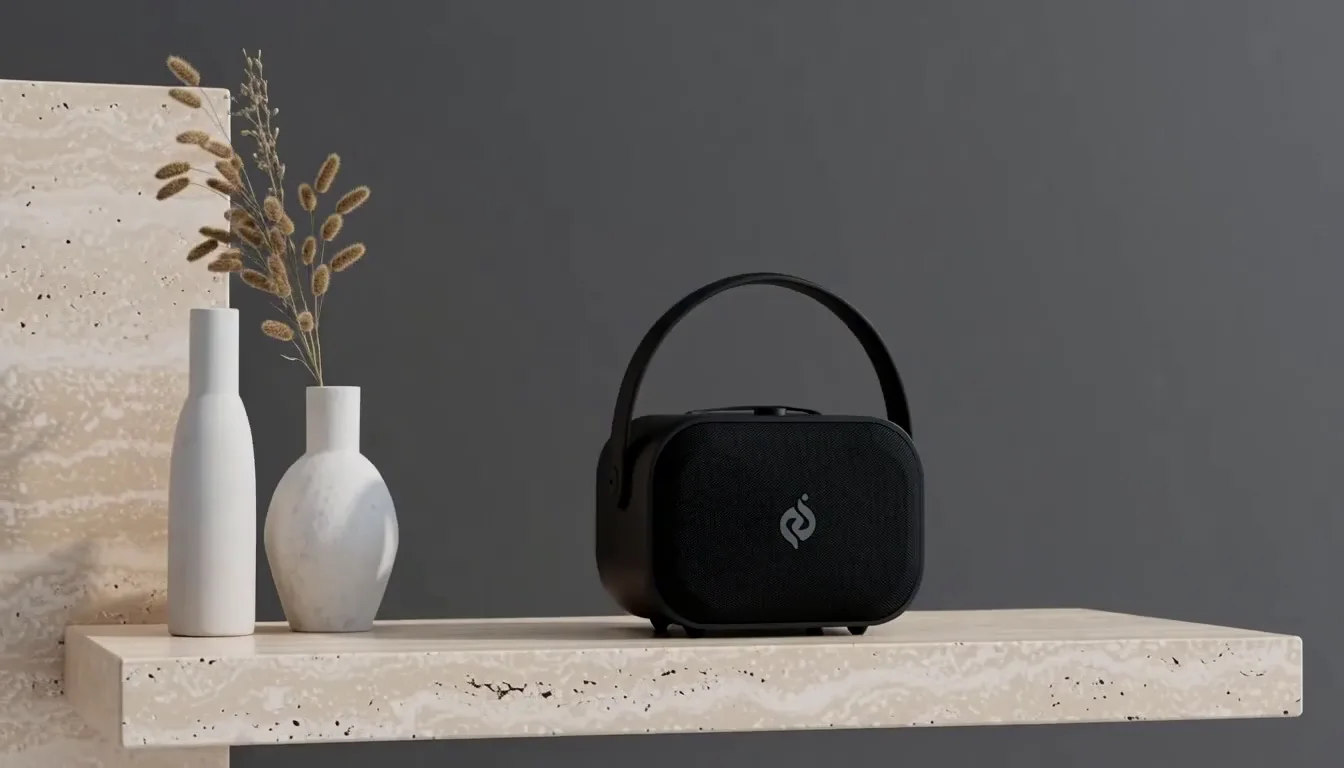
Write the exact line, name the accent — Cantonese, Sichuanese, British, Indian — and it comes back lip-synced in stereo. One script produces localised versions without re-recording.
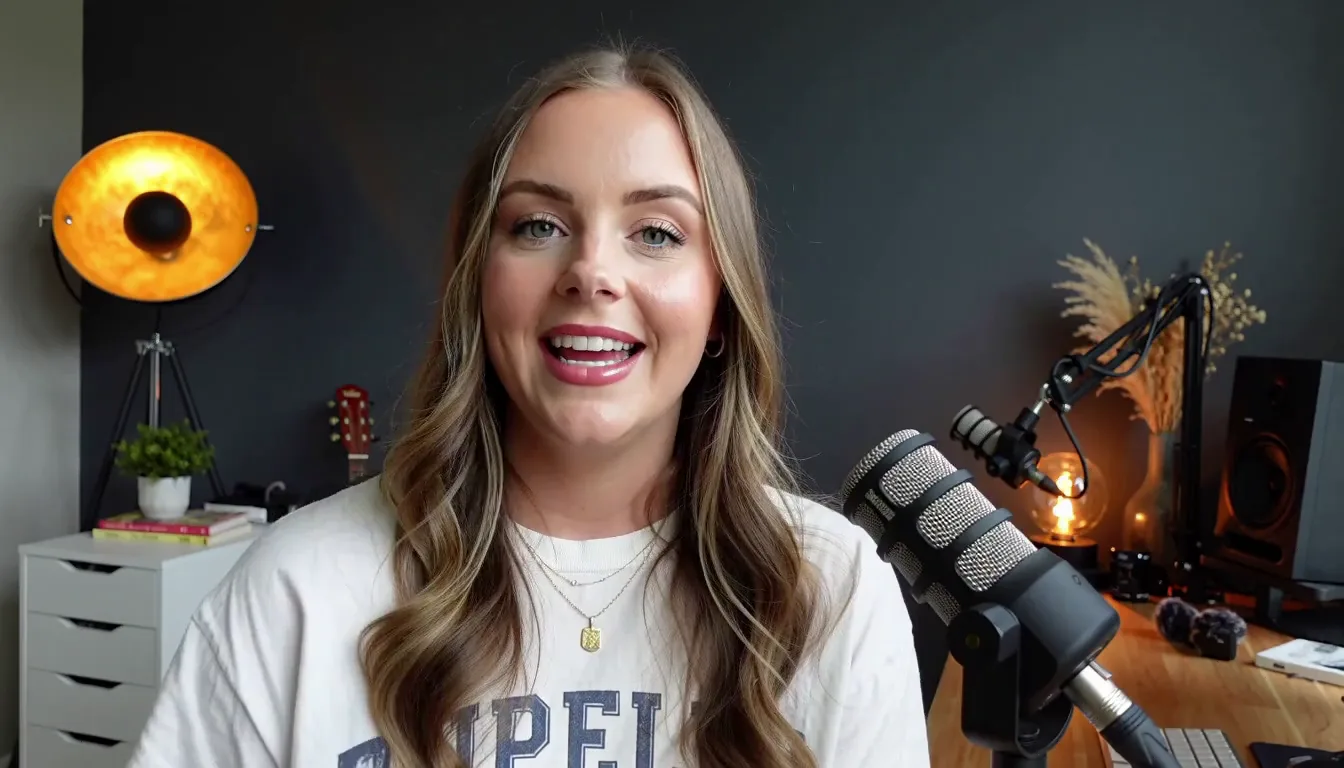
Kling 4.0 Flash handles the weekly run: quick 720p takes for testing hooks and formats before committing credits to a full-resolution render.
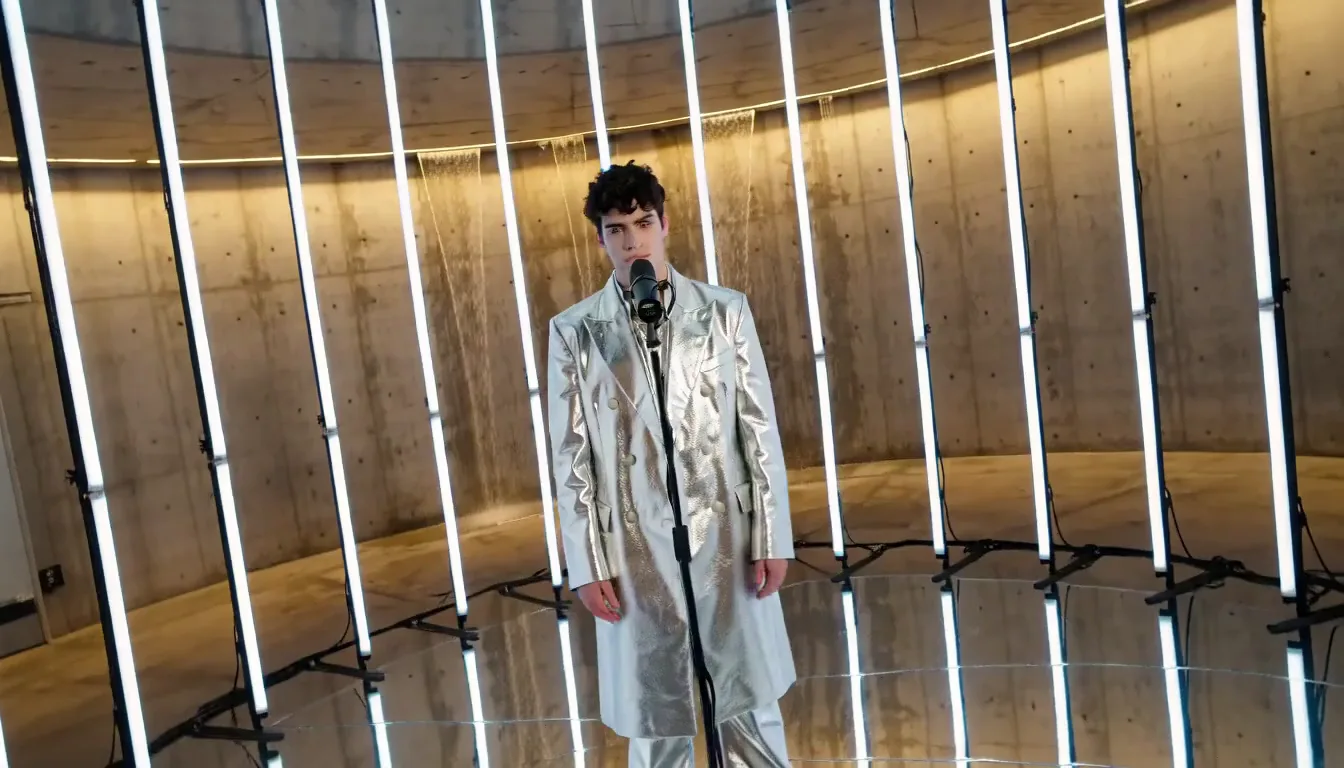
Where the 4K HDR output earns its cost. Graded deliverables — commercial spots, trailers, drama shot for a large screen. For social-first work and hook testing, Flash at 720p produces the same framing decisions far more cheaply.
Three tiers, three jobs. The newest one is not automatically yours.
All three columns are from Kuaishou's own documentation: Kling 4.0 release note and Kling 3.0 user guide.
Pick Kling 4.0 when the output is the deliverable
Graded work, wide framing, or a scene that has to hit specific beats. 4K with 10-bit HDR, 21:9 and 10 keyframes exist on this tier only.
It is also the only tier that extends past a single generation — up to 2 minutes across multiple passes, listed as coming soon.
Pick Kling 4.0 Flash when you are still deciding
Drafting, hook testing, weekly social batches. Same Omni Reference system and the same 9 languages at 720p, capped at 20 seconds.
What you give up against full Kling 4.0 is resolution and keyframes, not the reference workflow. Compositions settled on Flash transfer straight to a 4K render.
Flash is the tier available right now while full Kling 4.0 lands in October, so in practice it is where most people will start.
Pick Kling 3.0 when the job is short and cheap
On a straight Kling 4.0 vs Kling 3.0 call, length decides it. Under about 10 seconds the extra duration, keyframes and HDR go unused, and Kling 3.0 costs meaningfully less per second — see pricing.
Kling 3.0 Omni also keeps one capability of its own: it takes video as input for restyling and element replacement, which neither Kling 4.0 tier replaces.
One row worth reading twice. Languages. Kling 4.0 and Flash both handle 9 with accents and dialects; Kling 3.0 handles 5. If you localise, that gap matters more than any resolution number on the table.
Five things to plan around before you build a project on Kling 4.0.
Every video model fails in specific ways. Knowing where Kling 4.0 breaks saves more time than knowing where it shines.
Fingers gripping a tool, typing, or handling small objects still come out wrong often enough that you should plan the shot around it. Frame hands out, keep them still, or accept a re-roll budget.
Kling 4.0 renders on-screen text, but a specific string — a brand name, a price, a phone number — can come back subtly wrong. For anything that has to be legally or factually correct, composite the text in afterward.
Lip-sync holds for a line or two. Across a 30-second monologue, drift accumulates and the mouth stops matching the audio near the end. Break long speech into separate generations.
References get you close on a product's shape and colour, but logos, typography, and fine surface detail shift between generations. For ad work where the product must be pixel-accurate, shoot the hero product and use Kling 4.0 for the surrounding scene.
Kuaishou lists both 10-bit HDR output and multi-pass extension to 2 minutes as coming soon, not available on day one. If your plan depends on either, plan around a wait. Kling 4.0 Flash, the tier in early access now, is 720p and 8-bit SDR only.
What this means in practice. Kling 4.0 is strong on length, scenes, and motion, and weak wherever precision or resolution matters more than plausibility. Structure your shot list so the model handles the former and your editor handles the latter.
Three steps, about two minutes from prompt to finished clip.
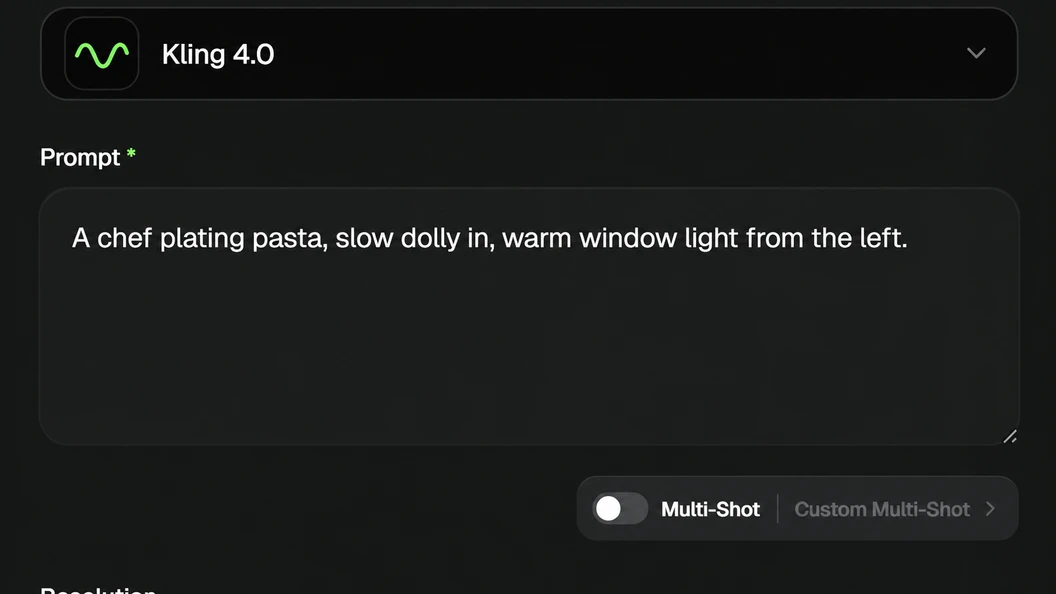
Subject, camera, light — in that order. A chef plating pasta, slow dolly in, warm window light from the left.
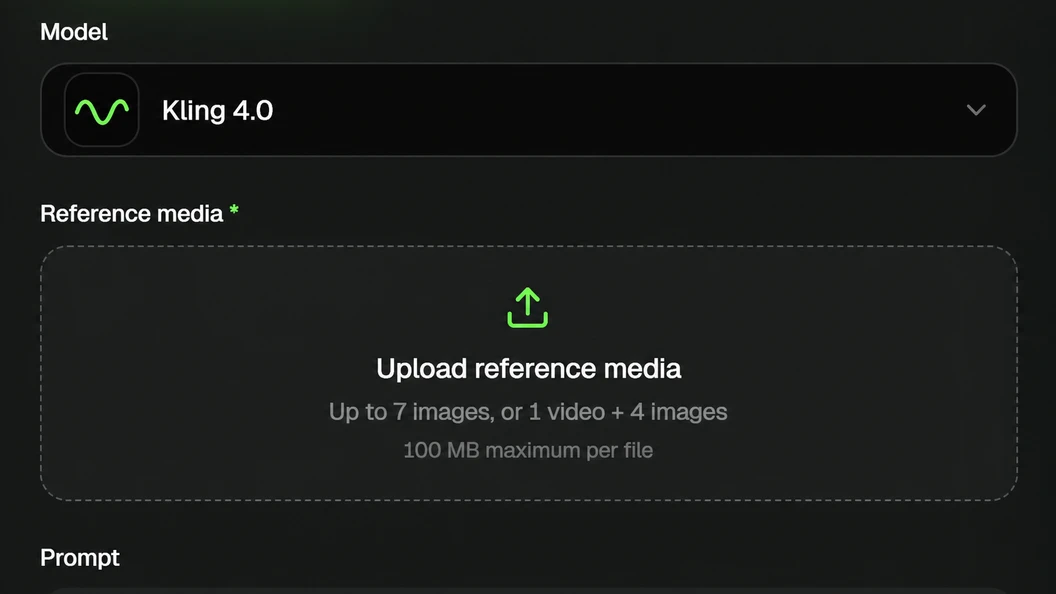
Up to 15 items — 10 images, 5 videos, 7 subjects — plus up to 10 keyframes.
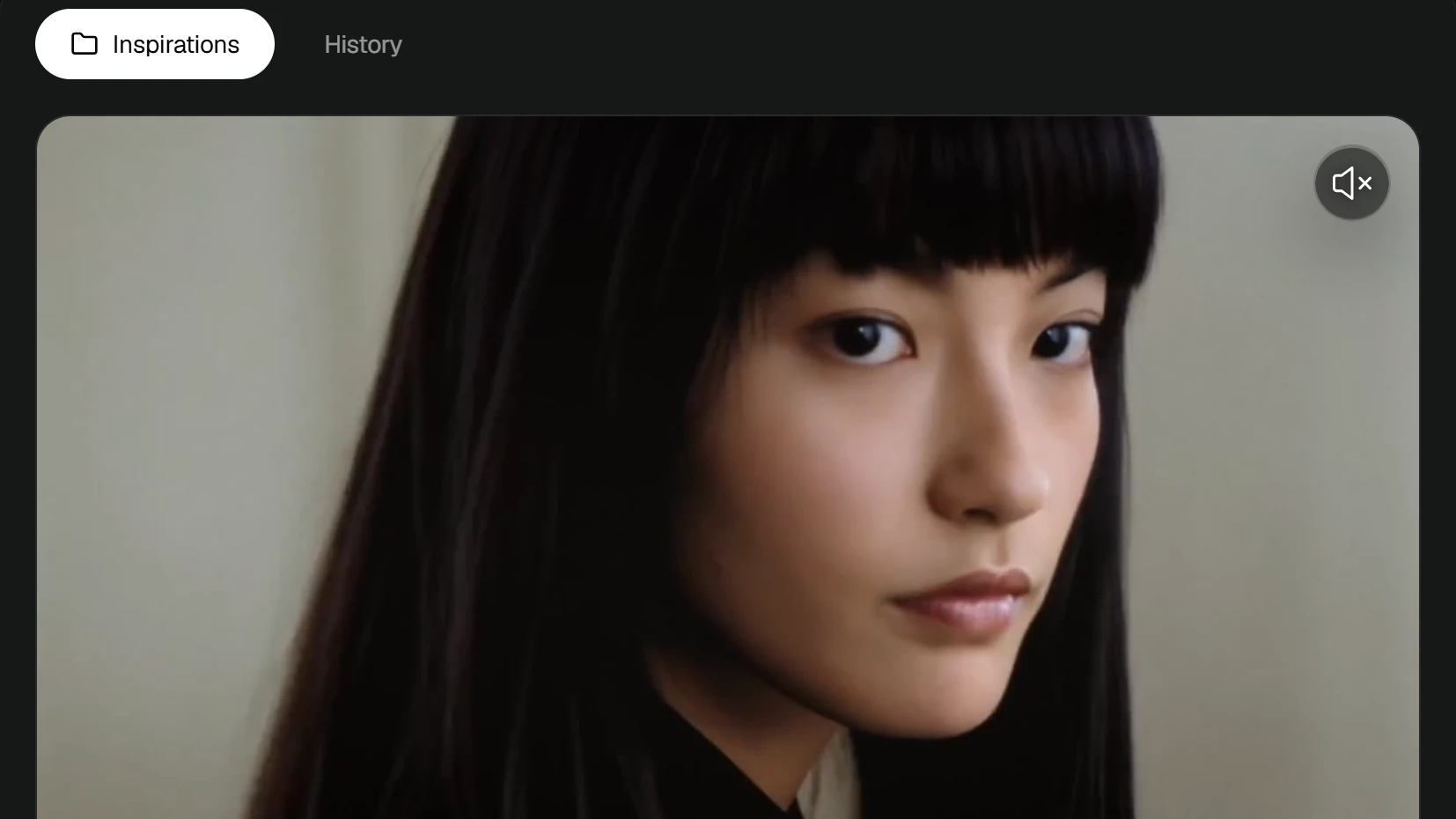
A take comes back in about two minutes.
Keep your prompts. Phrasing that works carries between Kling versions. A saved prompt library outlasts any single model, and the phrasing you work out on Kling 4.0 will still be useful when the next flagship arrives.
Draft on Flash first. Kling 4.0 Flash runs the same Omni Reference system at 720p, so composition and camera decisions transfer directly to a full-resolution render. Settle the shot there before spending a 4K generation on it.
The questions people search most about Kling 4.0, answered with numbers.
Kling 4.0 is Kuaishou's flagship AI video model, launching October 2026. It generates video from a text prompt, a single image, or up to 15 reference items, and renders synchronized audio with the picture rather than adding it afterward.
It is the fourth major version of the Kling line, following Kling 3.0 in February 2026. Single-pass length runs 3 to 30 seconds against Kling 3.0's 3 to 15, output goes to 4K with 10-bit HDR, and it accepts up to 10 keyframe images.
A faster tier, Kling 4.0 Flash, has been in limited early access since September 28, 2026 at 720p and up to 20 seconds. You can run Kling 4.0 in the Kling AI video generator on this page or through the official Kling AI app.
Kling 4.0 is billed per second of output rather than per generation, so a failed render costs the same as a good one and a 5-second test costs a sixth of a 30-second take.
Three things move the rate: resolution is by far the largest factor, native audio adds to it, and the Flash tier is cheaper than full Kling 4.0 by design. Because cost scales with length rather than attempts, the cheapest way to work is to settle composition at a low resolution and render once at full quality.
Current per-second rates for every model and the credit pack prices are on the pricing page.
Yes, within limits. You get starter credits on this page with no card required, which covers a few short clips at 720p. That is enough to judge output quality on your own prompts before paying.
Free Kling 4.0 access does not include the longest durations or the highest resolution, since those consume more credits per second.
If you need unlimited Kling 4.0 generation, that requires a paid plan — no provider offers genuinely unlimited access to a model this expensive to run, and any site claiming otherwise is either rate-limiting you silently or running an older model.
Kling 4.0 Flash is the fast tier of the Kling 4.0 lineup, built for frequent creation rather than hero shots.
It generates 3 to 20 seconds at 720p, with Omni Reference still available. It opened to a limited group of users on September 28, 2026 — ahead of Kling 4.0 itself.
The trade against full Kling 4.0 is clear: you give up 4K, 10-bit HDR and the 30-second ceiling, and you get speed.
In practice that makes Flash the right place to settle composition, camera movement and keyframes before committing to a full-resolution render, and the sensible default for high-volume social output where 720p is the delivery format anyway.
Four things changed. Single-pass length doubles to 30 seconds from Kling 3.0's 15. Output adds 10-bit HDR at 1080p and 4K, which Kling 3.0 does not have. You get up to 10 keyframe images to pin exact story beats, plus 21:9 ultrawide framing and two-channel stereo audio.
Prompts run to 8,000 tokens. Reference handling moves to 15 items per generation — 10 images, 5 videos, 7 subjects — against Kling 3.0's narrower character-video system.
What has not changed is that Kling 3.0 is available now at published rates while Kling 4.0 is not yet on the API, so for short clips under about 10 seconds Kling 3.0 stays the sensible default.
Seedance 2.5 is ByteDance's competing model, released July 31, 2026, with 30 seconds per generation and 50 reference assets in one pass — 30 images, 10 video clips, 10 audio clips.
On single-pass length the two are level at 30 seconds. On references Seedance 2.5 is roughly 3x ahead of Kling 4.0's 15 items, which is the clearest reason to pick it.
Kling 4.0 leads on output: 4K with 10-bit HDR against Seedance 2.5's native 1080p, plus 21:9 framing and 10 keyframes with no published equivalent.
Pick Kling 4.0 if the deliverable is graded, wide, or has to hit specific story beats. Pick Seedance 2.5 if the job is reference-heavy compositing.
Kuaishou has confirmed that Kling 4.0 launches in October 2026. Kling 4.0 Flash, the faster tier in the same lineup, opened to a limited group of users for early access on September 28, 2026.
For context on the cadence: Kling 1.0 entered beta on June 10, 2024, Kling 2.0 arrived in April 2025, Kling 2.5 Turbo in September 2025, and Kling 3.0 on February 7, 2026, with Kling 3.0 Turbo and Omni following on June 17, 2026. Major versions have landed roughly ten months apart, which puts Kling 4.0 right on schedule.
Two capabilities are dated later than the model itself: 10-bit HDR output and multi-pass extension to 2 minutes are both listed as coming soon.
Output from paid plans is watermark-free and cleared for commercial use. Free-tier clips carry a watermark, which is the standard trade for generating without a card. Check the licensing terms on your plan before using a clip in a paid campaign — commercial rights come with the paid tiers, not the free one.
If you need a clean clip to show a client, the cheapest paid tier removes the watermark on every render from that point.
Up to 30 seconds in a single pass, with a flexible range starting at 3 seconds — double Kling 3.0's 15-second ceiling. Beyond that, video extension lets you extend a clip forward or backward across multiple passes up to 2 minutes total, which Kuaishou lists as coming soon rather than available at launch.
Kling 4.0 Flash, the fast tier, caps at 20 seconds. The practical difference 30 seconds makes is not length for its own sake: it is enough room for action, a scene change and an emotional beat to develop in sequence rather than one of them filling the whole clip.
Up to 10, placed anywhere on the timeline, plus first and last frame control. Each keyframe is an image the generation has to pass through, and the model fills the motion between them.
Across a 30-second take that is roughly one pinned moment every three seconds — enough to control camera movement, shot changes, character entrances and product reveals rather than describing them and hoping. Ten is also a practical ceiling: past about one keyframe every two seconds the segments get too short for an action to read.
Yes, and from several other inputs besides. Text-to-video and image-to-video are the two base modes. On top of those, Kling 4.0 accepts first and last frames, up to 10 keyframe images, and Omni Reference inputs covering up to 10 images, 5 video clips and 7 saved subjects plus voice samples.
A reference video can also drive a generation outright — upload a clip whose pacing and camera work you want, add your own assets, and the model builds new content on that structure. In practice most projects mix two or three of these rather than using one alone.
Yes, and this is one of the less-advertised capabilities. Kling 4.0 accepts up to 5 input video clips including one primary video, each 3 to 30 seconds, with the combined duration capped at 30 seconds.
Within that you can make targeted changes — a character's expression, body movement, camera position or camera movement, the overall style, or the background — while the rest of the scene stays put. Kuaishou also supports element removal and character or product replacement inside existing footage.
The practical value is that a client note about one detail no longer costs you a full regeneration: you change the moment, not the clip. For anything that needs a genuinely new scene rather than a modification, generation from a prompt is still the faster route.
Yes. Kling motion control lets you direct the camera the way you would on a real shoot — dolly, pan, tilt, rack focus, and macro moves — rather than hoping the model picks a good angle.
Kling 4.0 keeps the physics consistent while the camera moves — objects carry weight, collisions land where they should, and motion blur follows the actual movement.
Searches for Kling motion control rose sharply through 2026 across the 2.6 and 3.0 releases. It remains one of the features separating Kling from models where camera direction is guesswork.
Phrase the move as a single instruction per clause for the most reliable result. Reports add up to 10 keyframes per generation in Kling 4.0, which would let you pin an exact moment rather than describing it.
Yes. Kling 4.0 outputs 720p, 1080p and 4K, and adds 10-bit HDR at the top two resolutions — a capability Kling 3.0 does not have. Kling AI 4K output is generated at full resolution rather than upscaled afterward, so texture and grain hold up on a large screen where an upscaled clip goes soft.
HDR is the part worth waiting for: in backlit shots, night scenes and neon-lit settings it holds more detail in highlights and shadows and reduces colour banding, which gives you far more room when grading. Kuaishou lists 10-bit HDR as coming soon rather than available on day one.
Note that Kling 4.0 Flash, the early-access tier, is 720p and 8-bit SDR only.
About two minutes for a typical clip, though it varies with length, resolution, and whether audio is enabled. A short 720p draft comes back faster than a full-length 4K HDR render with native audio, and Kling 4.0 Flash is the cheaper tier for drafting at 720p.
The practical workflow is to draft short and cheap first: get the composition and camera move right at a low setting, then re-render at full length once you are happy.
Timestamp-level editing also means a single bad moment does not cost you a full regeneration — you fix that segment for a fraction of the credits a complete re-roll would take.
Starter credits included. No card, no install.
Type a sentence, pick Kling 4.0 in the dropdown, and you have a clip in about two minutes. Starter credits are on the house — enough for a few 720p renders, which is enough to judge the output on your own material rather than on a showreel someone else picked.
If it works for you, the paid tiers remove the watermark and open the full length. If it does not, you have lost two minutes.
Go to the generator →