5-Minute Video Coverage for Long Content Scenes
Create longer talking avatar scenes for product walkthroughs, course sections, brand messages, and multilingual explainers without breaking the presentation into many short clips.
Create expressive AI talking avatar videos from a character image and voice audio. Make presenters, product explainers, course videos and multilingual clips with lip sync, emotion and gesture direction.
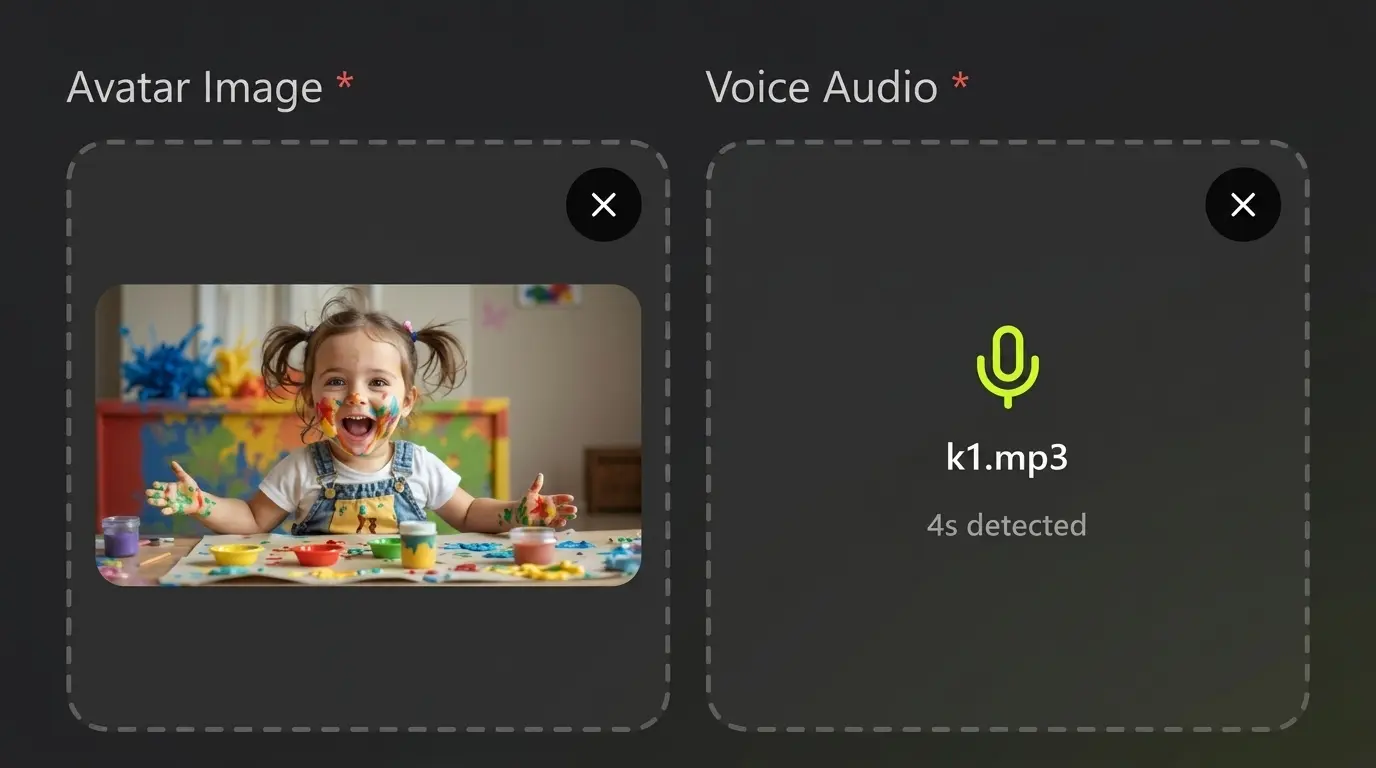
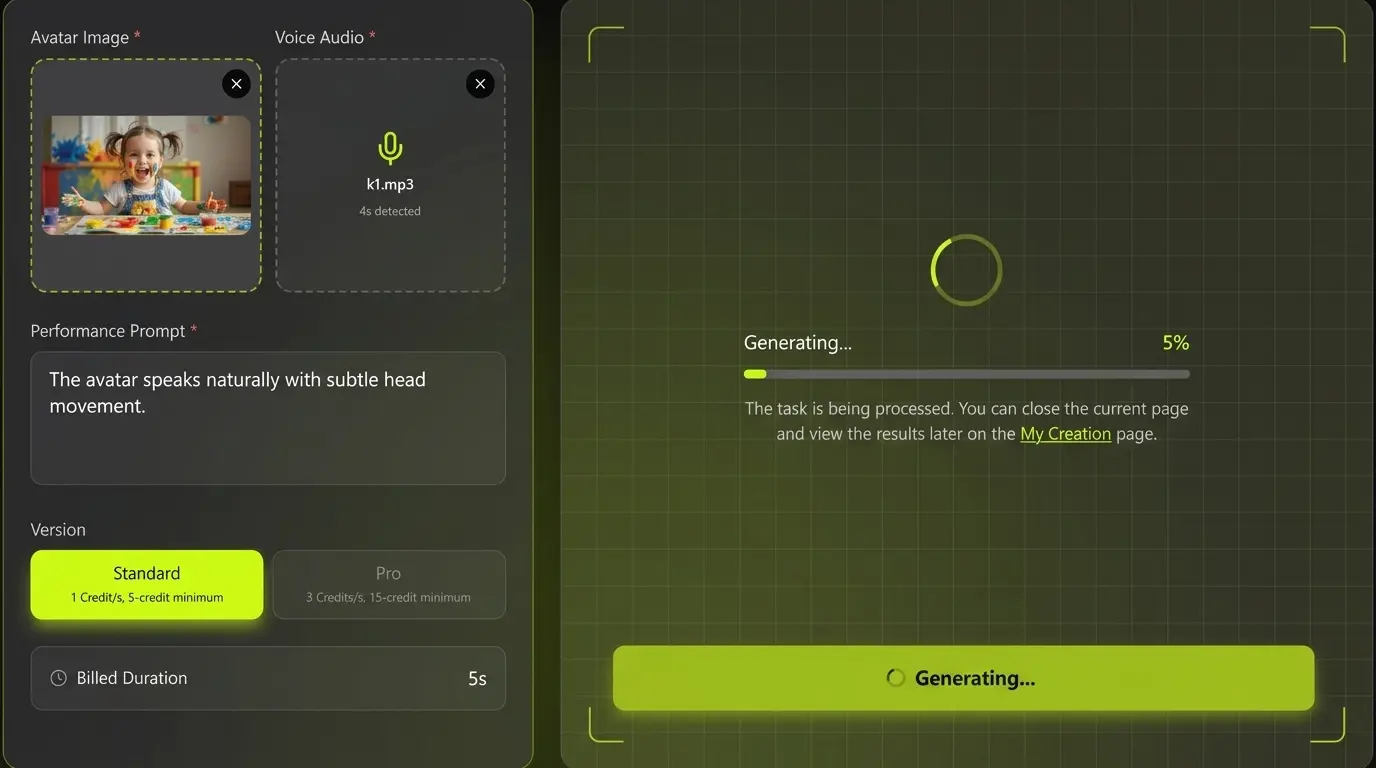
Upload character image
JPG, JPEG, PNG
Max 10MB
Upload speech audio
MP3, WAV, M4A
Max 50MB, up to 300s
One character image, one voice track, a complete speaking performance.
Voice-driven character presentation, from short social clips to longer explainers.
Kling Avatar 2.0 is an AI talking avatar workflow for turning a portrait, character image or branded spokesperson into a speaking video. Creators pair an avatar image with voice audio and guide the performance with natural language direction.
Use it for educational explainers, product introductions, creator videos, social ads, internal training and localized content where a consistent face, voice and message matter.
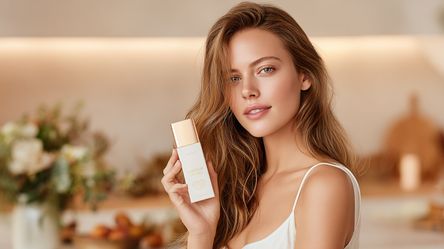
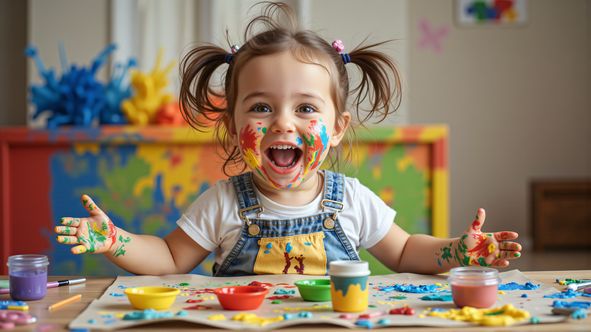
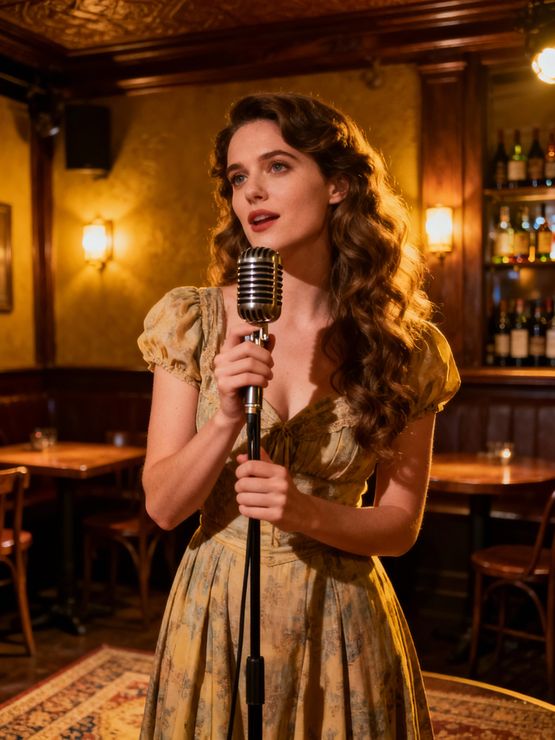
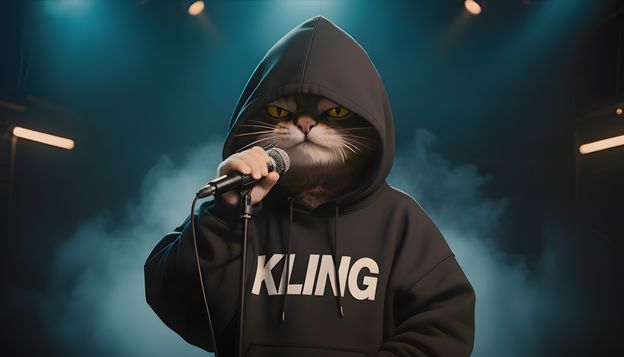
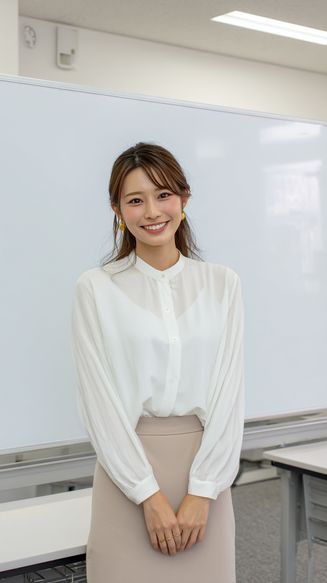
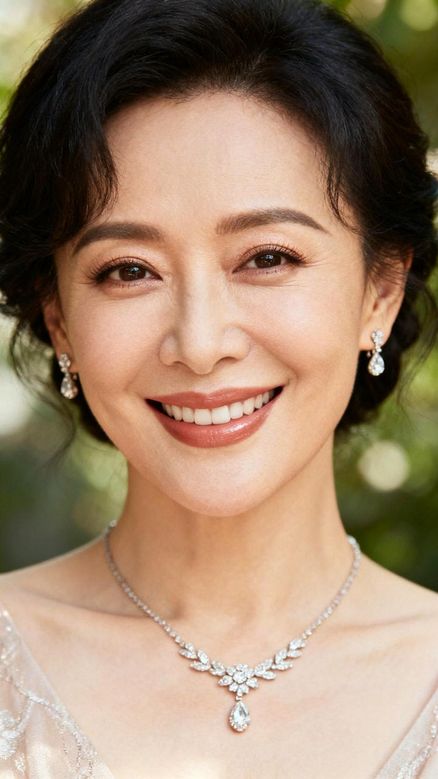
Compare each character input and voice track with its finished talking-avatar video.
Create longer talking avatar scenes for product walkthroughs, course sections, brand messages, and multilingual explainers without breaking the presentation into many short clips.
Keep gestures, hand poses, and speaking motions clearer during avatar delivery, especially when the character points, explains, waves, or presents a product.
Generate avatar performances that feel more active and natural, with stronger posture, body rhythm, head movement, and scene presence.
Match mouth movement more closely to speech timing so product explainers, educational videos, and creator scripts feel believable.
Use realistic people, stylized characters, mascots, brand spokespeople, and virtual presenters for different campaign and content styles.
Create localized avatar videos for different markets while keeping the same visual presenter and consistent brand identity.
Guide the avatar with emotion and action prompts, including friendly explanations, excited announcements, calm tutorials, and confident sales messages.
Build repeatable presenter workflows around a consistent character and message.
Turn a portrait or character image into a speaking avatar for explainers, product scripts, and social clips.
Use uploaded audio or generated narration as the driver for speech rhythm, lip movement, and delivery.
Describe expression, tone, gesture, and presentation style to guide the avatar performance.
Create localized avatar videos for global audiences without repeating a full video shoot.
Build consistent presenters for courses, ads, updates, tutorials, and product education.
Talking-avatar examples with different characters, voices and presentation styles.
Adapt the same presenter to education, product communication and creator content.
Use Kling Avatar 2.0 to create a presenter who explains product benefits, release updates, onboarding steps, or ecommerce selling points.
Create instructor-style talking avatar videos for course intros, internal training, tutorials, and employee education content.
Build short talking avatar videos for TikTok, YouTube Shorts, Instagram Reels, and creator channels without filming every update.
Reuse one avatar identity across multiple languages, markets, and campaign messages while keeping a consistent speaker presence.
Create a virtual host for webinars, landing pages, product demos, community updates, or recurring announcement videos.
Test avatar-led ad scripts, hooks, offers, and calls to action before investing in larger production or influencer workflows.
Prepare your inputs, direct the performance and review the finished video.
Start with a clear portrait, character image, branded host, or spokesperson-style visual. A clean face and stable framing usually produce better talking avatar results.
Upload or prepare the voice script. Then describe expression, emotion, hand movement, posture, and delivery style so Kling Avatar 2.0 understands the desired performance.
Review lip sync, facial expression, voice timing, and character consistency. Refine your prompt or audio direction to create stronger avatar videos for publishing.
Answers about inputs, performance control and publishing your results.
Kling Avatar 2.0 is an AI talking avatar workflow for creating speaking avatar videos from a character image and voice audio. It is useful for presenters, explainers, product videos, education, and multilingual content.
You usually need a clear avatar image and a voice track or script. You can also add performance direction such as emotion, gesture, posture, and speaking style.
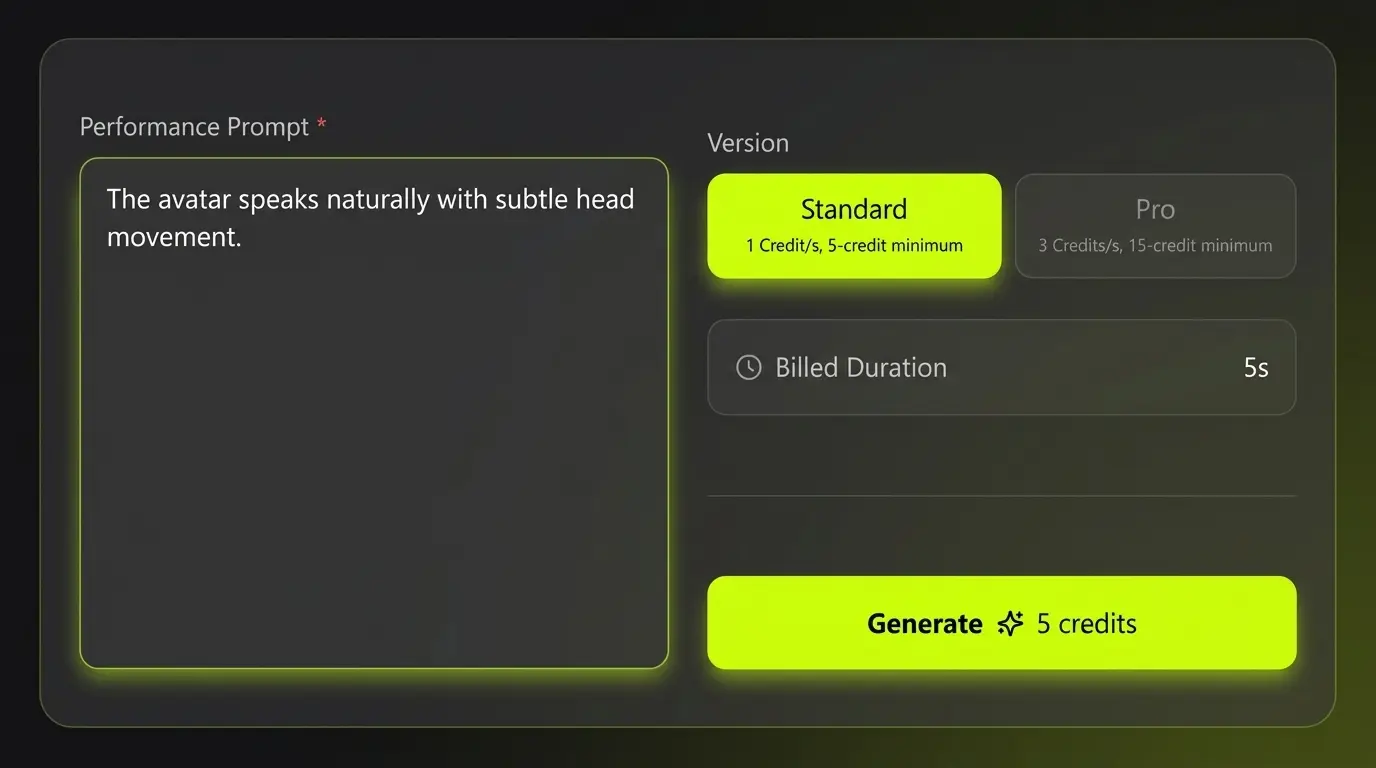
Standard mode costs 1 credit per second, with a 5-credit minimum for videos shorter than 5 seconds. Pro mode costs 3 credits per second, with a 15-credit minimum for videos shorter than 5 seconds.
Yes. A normal AI video generator focuses on general scenes. Kling Avatar 2.0 focuses on a speaking character, lip sync, facial expression, voice timing, and presenter-style delivery.
Yes. Kling Avatar 2.0 is a strong fit for product introductions, SaaS explainers, ecommerce videos, launch updates, and UGC-style ad scripts.
Yes. Avatar workflows are useful for localization because you can reuse the same visual speaker while changing the voice, script, or language for different markets.
Use a clear image, natural voice audio, concise script, and simple performance prompts. Avoid asking for too many conflicting gestures or emotions in one short clip.
Starter credits included. No card, no install.
Type a sentence, pick a model, and you have a clip in about two minutes. Starter credits cover a few renders — enough to judge Kling AI video on your own material rather than on a showreel someone else picked.
Generate with Kling 4.0 →